
Your client requests a consultation
The assistant collects the employment contract topic and the client’s preferred meeting time.
 Google Calendar Integration
The assistant clarifies the consultation topic and a suitable time, then prepares the attendee, duration, and appointment notes for transfer to the consultation calendar.
“Can I schedule a consultation about an employment contract for Tuesday?”

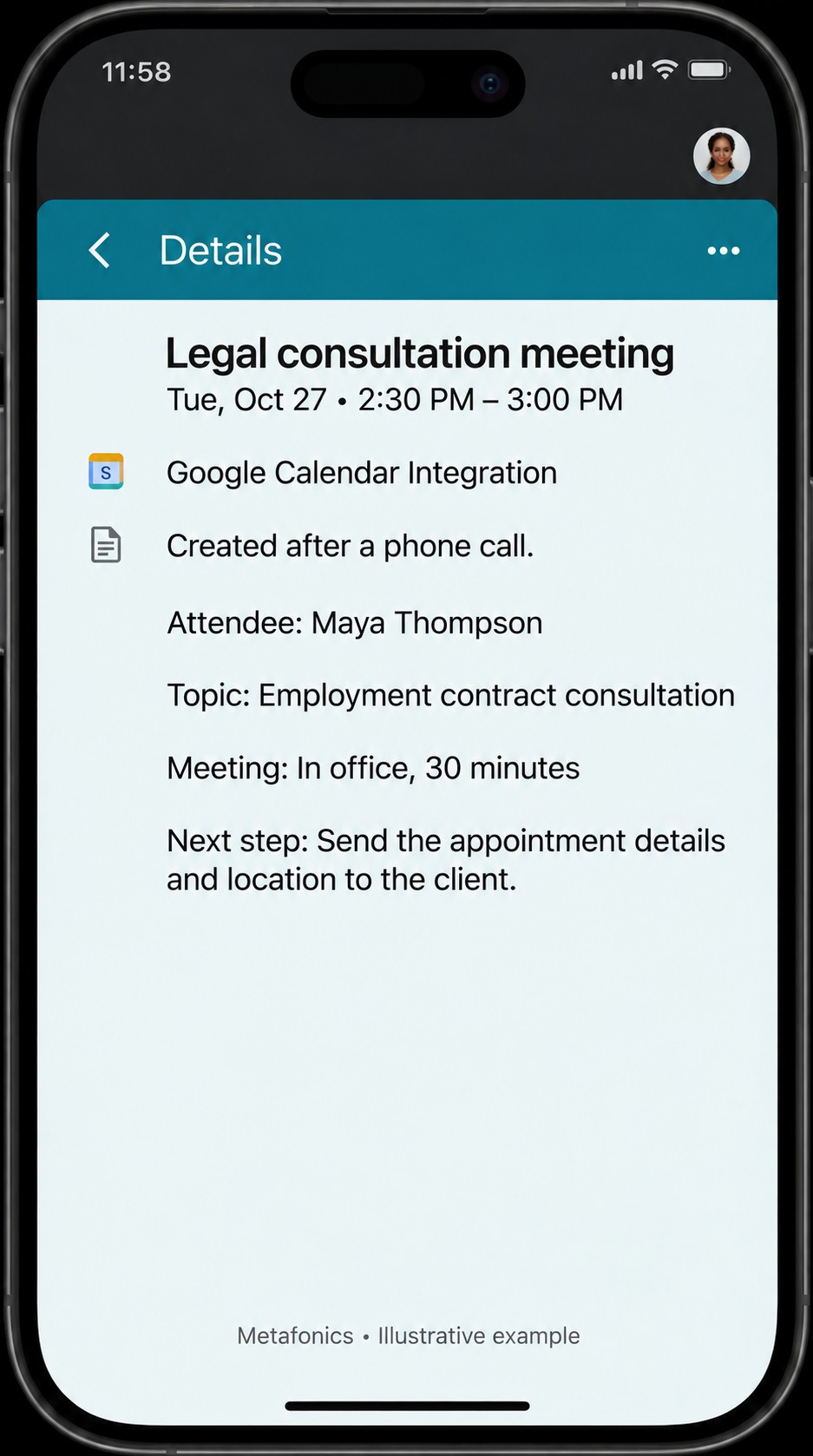
The assistant collects the employment contract topic and the client’s preferred meeting time.
The attendee, time slot, and meeting notes are prepared using the appropriate access permissions and availability rules.
With a compatible calendar connection, the consultation is prepared for transfer so your team can see the attendee, topic, and duration in one entry.
Your attorney sees the consultation topic, attendee, and time in a single calendar entry.
Explore a suitable connection for transferring appointments made by phone to your team calendar.
Plan a workflow for checking open time slots using supported access permissions.
Design processes to reflect appointment cancellations and changes on the calendar.