
Your customer describes the problem
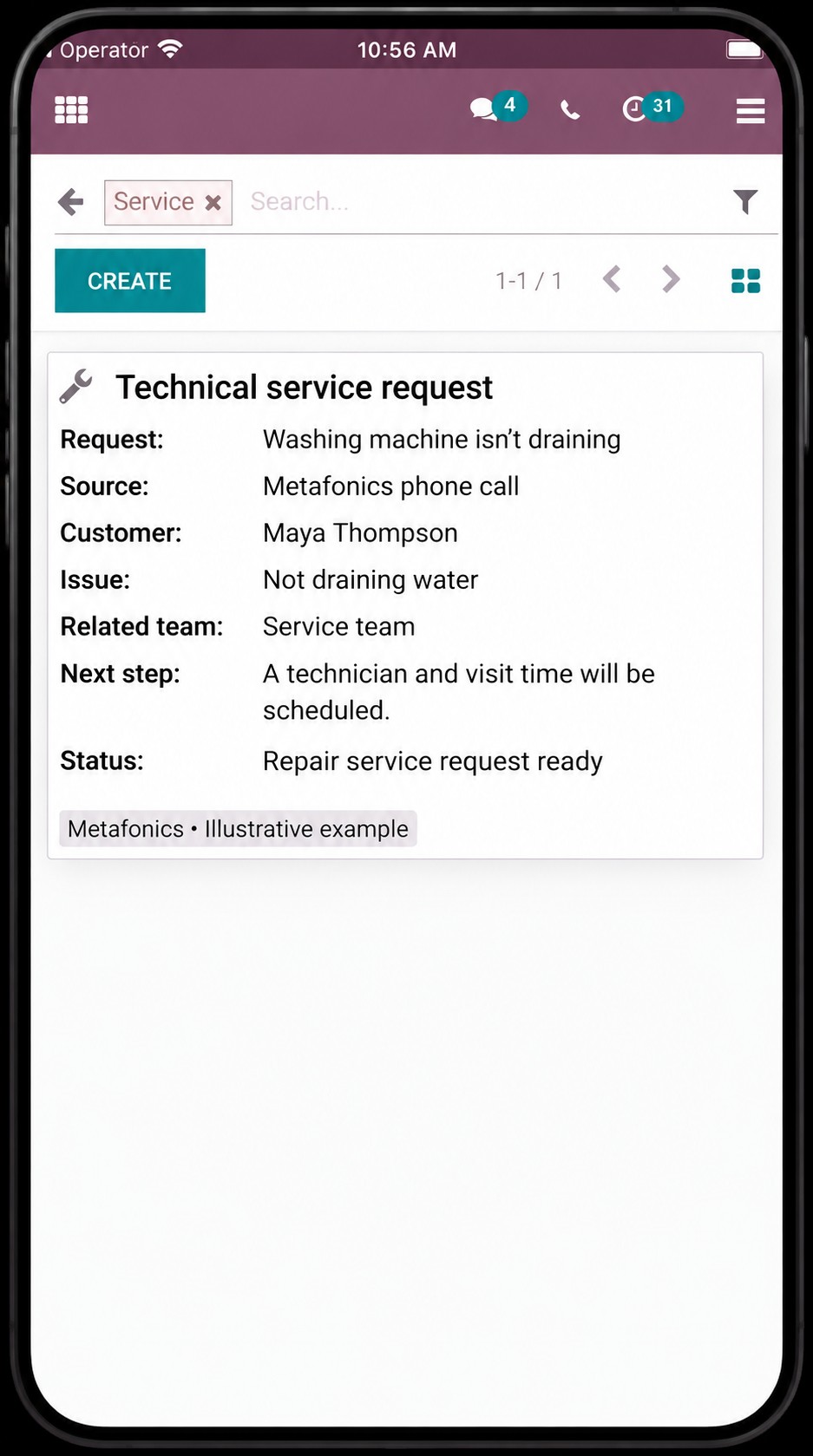
During the call, the assistant records that the washing machine isn’t draining and that repair service is needed.
 ERP Integration
The assistant collects the appliance issue and prepares the service request, responsible team, and technician scheduling step for an ERP record.
“My washing machine isn’t draining. Can we open a service request?”

During the call, the assistant records that the washing machine isn’t draining and that repair service is needed.
The issue summary, responsible service team, and technician scheduling needs are combined in one request.
If ERP access and supported fields allow it, the request is prepared for transfer. Your team can review the visit and schedule it with authorized approval.
Your service team sees the issue and the visit that needs scheduling within its existing workflow.
Explore custom processes for transferring orders, service requests, and customer inquiries into the appropriate ERP fields.
Build workflows tailored to your business for team routing and status tracking.
Use supported data transfers to help reduce manual entry.