
A prospective student asks for information
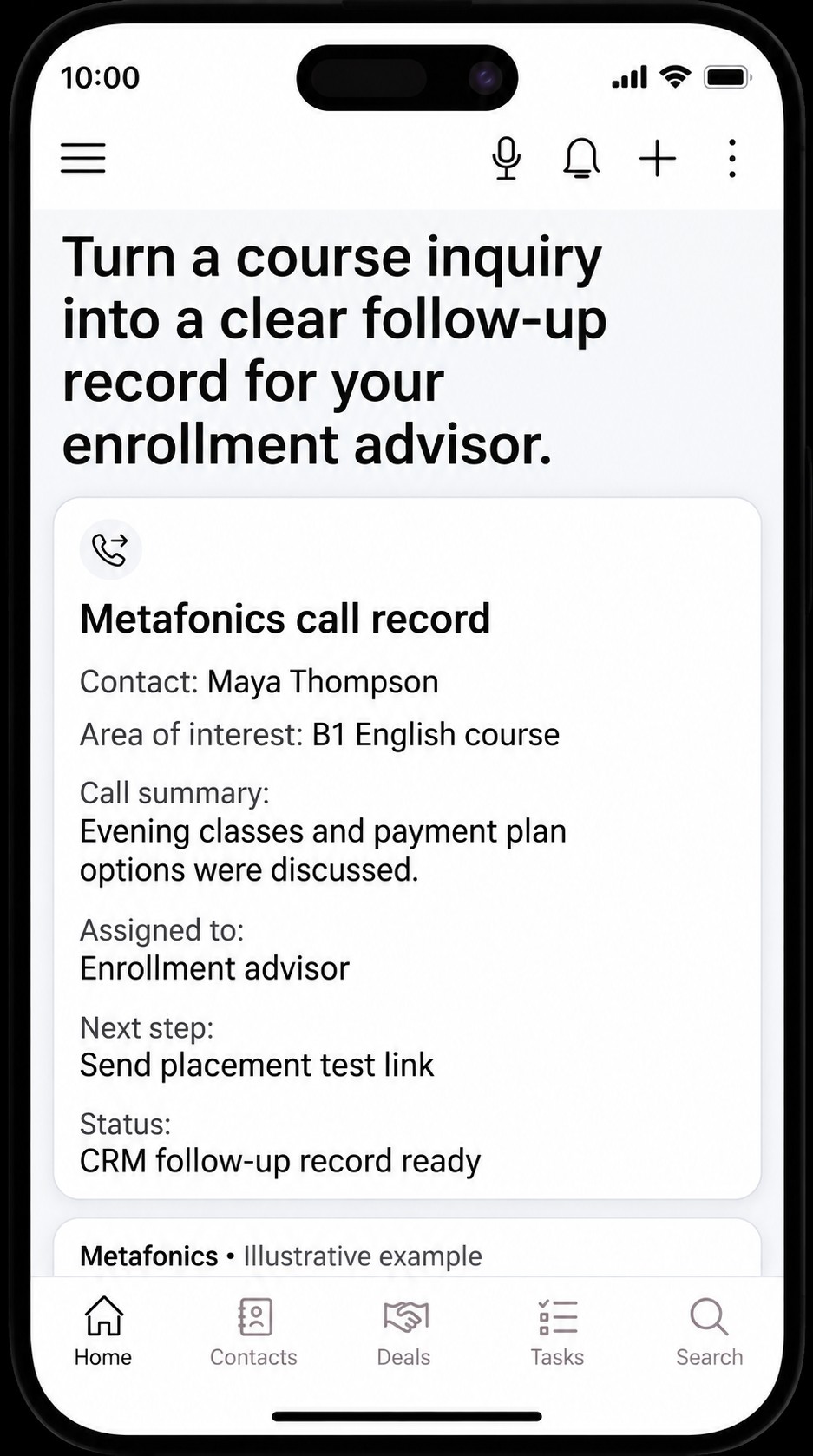
During the call, the assistant collects the inquiry about B1 English classes, evening schedules, and payment options.
 CRM Integration
The assistant collects the course inquiry and call notes, then prepares the advisor assignment, placement test step, and callback needs for CRM follow-up.
“I’d like information about your B1 intermediate English evening classes and payment plan options.”

During the call, the assistant collects the inquiry about B1 English classes, evening schedules, and payment options.
The student’s preferences, placement test link, and callback needs are brought together in a follow-up note.
Record transfer is planned based on supported fields and custom connection compatibility, so the enrollment advisor can see the call notes and next step together.
Your enrollment advisor sees the prospective student’s course preference and next action in the same record.
Plan to bring customer details and phone requests together through a suitable custom connection.
Design CRM workflows for callbacks and quote requests.
Use supported fields to transfer information and help reduce repetitive work for your team.